
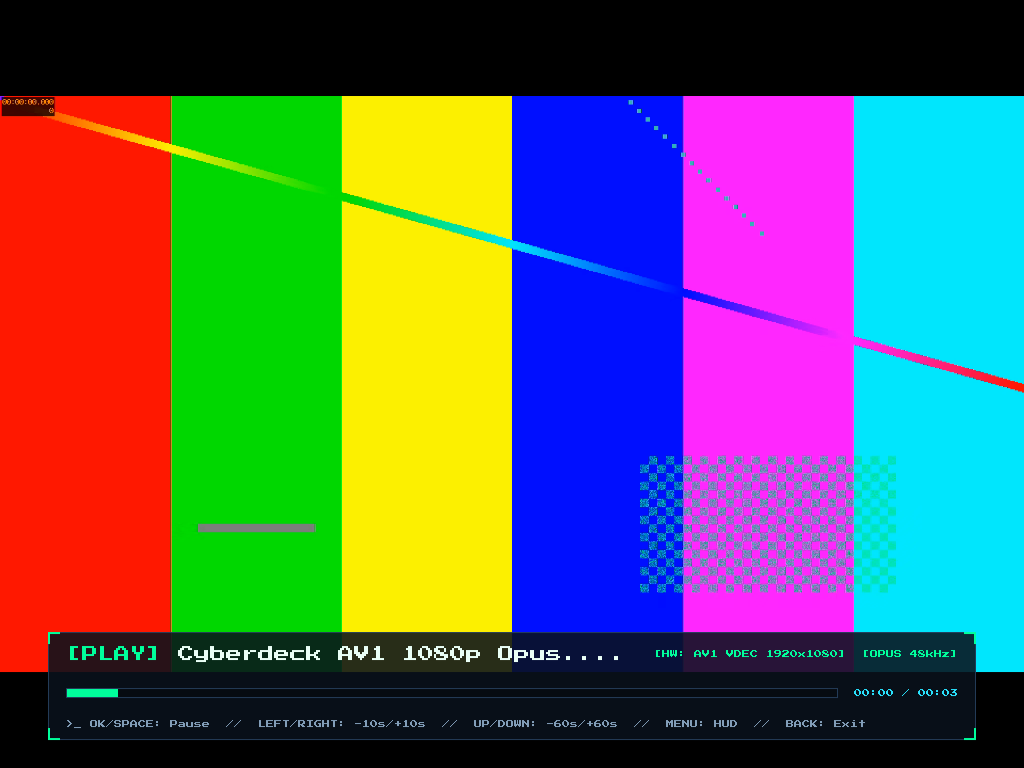
VIM1S Movies — Hardware AV1, HEVC, VP9 & H.264 1080p60 Offline TV Video Player (Beginner Guide)
What Is VIM1S Movies? (Silent 1080p60 Hardware AV1 Cinema on Your TV)
Most tiny single-board computers overheat or drop frames when playing modern AV1 or HEVC (H.265) high-definition movies in software. The Khadas VIM1S (Amlogic S905Y4) has a superpower hidden inside its silicon: a dedicated Amlogic S4 Hardware Video Decoder (meson-vdec / V4L2 stateful & VA-API) capable of decoding AV1, HEVC, VP9, and H.264 in hardware while the quad-core ARM CPU barely sips 2–3 Watts of silent, fanless USB-C power!
VIM1S Movies (vim1s-video) — launched from Card [9] Movies on the Khadas VIM1S Console OS — gives you an instant-loading, distraction-free media library and player with zero accounts, zero ads, and zero flash writes.
Supported Video Containers & Hardware Codecs
| Feature | Supported Formats on VIM1S Movies |
|---|---|
| Hardware Video Codecs | AV1 (Main Profile up to 1080p60 / 4K), HEVC / H.265, VP9, H.264 / AVC |
| File Extensions | .mp4, .mkv, .webm, .mov, .m4v, .avi, .ivf |
| Audio Output | Digital HDMI Audio (toggleable in Settings) or paired Bluetooth 5.0 headphones/soundbars (Opus, AAC, MP3, FLAC, PCM/WAV) |
| Storage Location | /movies/ folder on any microSD card (8 GB up to 2 TB), kept read-only during playback |
Step-by-Step Beginner Guide: Watching Movies From Your microSD Card
- Open Movies Once to Auto-Create
/movies: If your microSD card does not yet have amoviesfolder, launching Movies callsstorage-mount movies_initonce to create/movies/cleanly and re-locks the card read-only. - Copy Your Videos: Copy any
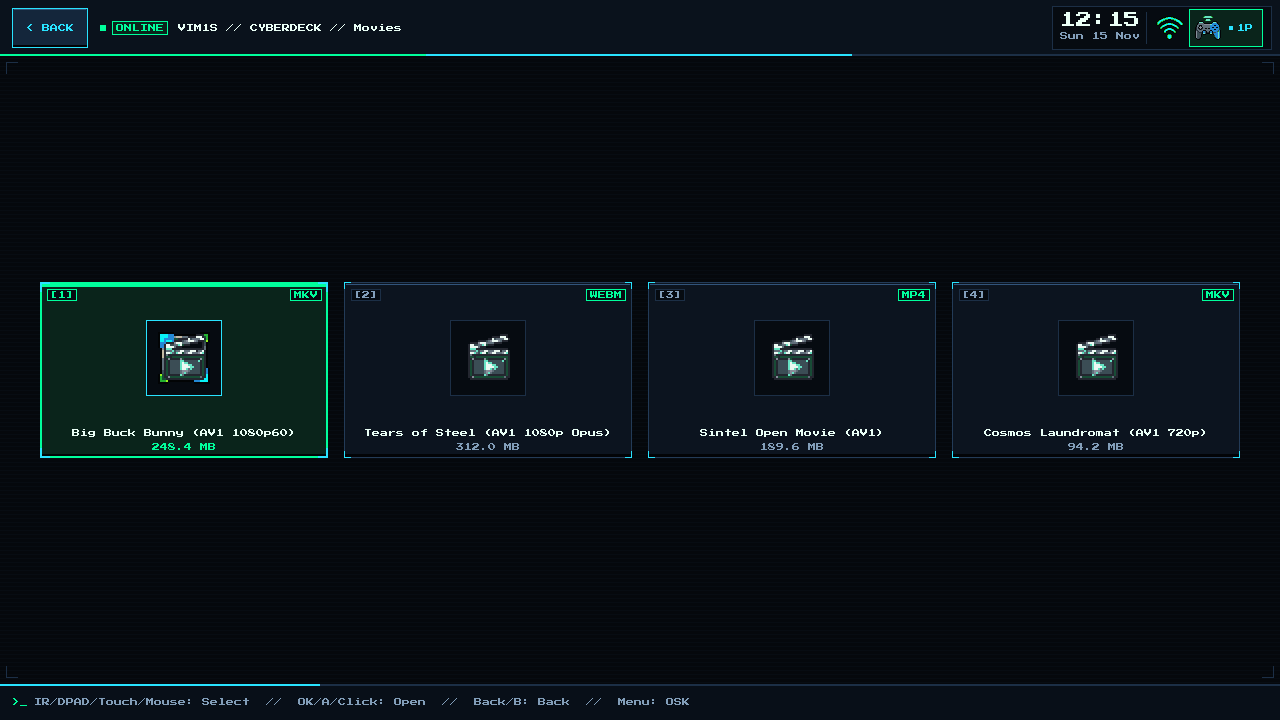
.mp4,.mkv, or.webmfiles into themovies/directory on your microSD card from your laptop or PC. - Select & Play From the Couch:
- Use Up / Down on your IR remote, gamepad D-pad, or keyboard (or tap with touch/mouse) to pick a film.
- Press
OK/A/Enterto start instant hardware-accelerated playback!
Couch Playback Controls
OK/A/Space: Pause / Resume movieLeft/Right: Seek backward / forward (-10 s/+10 s)Up/Down: Show transport progress OSD / chapter infoBack/B/Esc: Return cleanly to the/movies/library list
Frequently Asked Questions (Beginner FAQ)
- Why encode movies in
AV1for my microSD card?
AV1 delivers crisp 1080p quality at roughly half the file size of older H.264 files — meaning a 256 GB microSD card can hold hundreds of full-length feature films, anime episodes, or offline courses for travel and off-grid cabins!
- Can I also watch streaming web videos like YouTube in hardware
AV1?
Yes! Open VIM1S Browser, where Firefox ESR uses the exact same v4l2-vaapi hardware decoder in RAM.
Explore All Khadas VIM1S Programs — Beginner Guides
Every built-in application on the Khadas VIM1S 32 MB SPI RAM-OS runs 100% in LPDDR4 RAM with zero writes to the internal SPI NOR or eMMC chips. Everything you save is written exclusively and atomically to your removable microSD card:
- Khadas VIM1S Console OS Hub & Downloads — Download the
32 MBSPI RAM-OS (9.78 sboot), USB/eMMC image, and step-by-step flashing guide. - VIM1S Retro MIDI Studio — Visual note-based MIDI music editor & chiptune/FM synthesizer with
.mid,.wav,.mml, and.abcmicroSD export. - VIM1S Pure-ASCII Writer — Distraction-free plain-text word processor with Word-style toolbar buttons (no Markdown needed!) and
.txt,.asc,.nfomicroSD export. - VIM1S Games & Couch Launcher — Play retro ROMs and native 64-bit ARM64 strategy ports straight from RAM with crash-safe microSD savegames.
- VIM1S Movies — Hardware AV1 Player — Silent, zero-CPU
1080p60hardware video player forAV1,HEVC/H.265,VP9, andH.264movies on microSD. - VIM1S Email Client — Fast, tracking-free plain-text
IMAP / POP3 / SMTPTLS mail client with attachments and optional AI reply drafting. - VIM1S Personal Profile — Offline microSD identity and automatic signature manager with zero cloud accounts.
- VIM1S Web Browser — RAM-isolated Firefox ESR with hardware
AV1streaming, PDF reader, and couch bookmark tiles. - VIM1S Root Terminal — Built-in Wayland Linux command-line shell with a persistent microSD developer toolchain.
- VIM1S Wi-Fi Setup — Dual-band
2.4 GHz / 5 GHz(AP6256) wireless setup with encrypted0600microSD credential persistence. - VIM1S Bluetooth Pairing — Pair
Bluetooth 5.0gamepads, keyboards, and speakers in seconds. - VIM1S Wireless Screencast — Turn your TV into a low-latency Miracast wireless display receiver for phones and laptops.
- VIM1S Settings & 10 Cyberdeck Themes — Switch
1080p / 720pHDMI modes, HDMI audio, 10 CRT colour palettes, and home screen cards.