
The next isleforge build makes it possible to start, save and reopen more of the scenarios from an installed copy of Anno 1503 A.D. The work is part of RC15, the development build following the public RC14 preview.
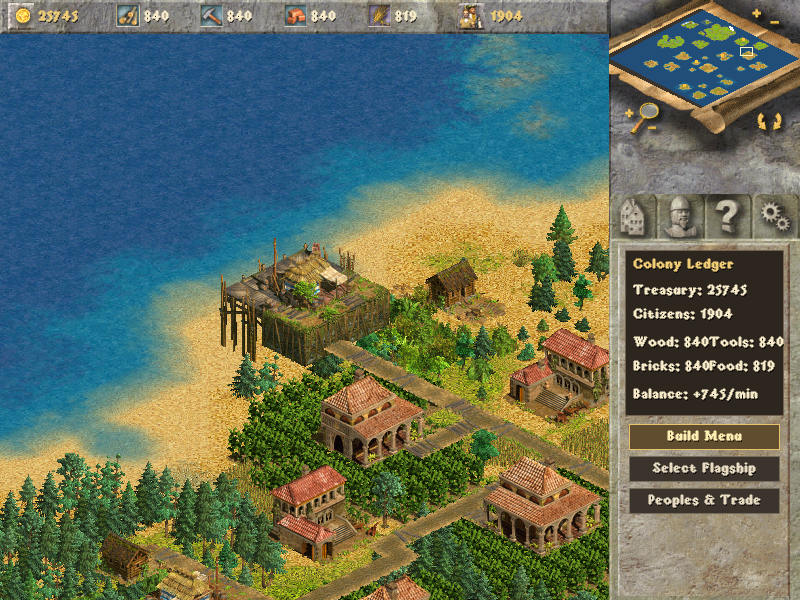
Mission three in the RC15 development build running under ARM64 emulation. The Colony Ledger shows 1,904 citizens and +745 per minute after the warehouse was stocked for the test.
RC15 update — The fleet and its cargo in Mission 8
After a staged test of Mission 7’s victory conditions, I reopened the completed save and used Next Mission to start Mission 8. The new mission keeps seven reserve ships out of sight until its reinforcement script runs. When they arrive, their 42 embarked units come under the player’s command with the fleet. I saved and reloaded on both sides of that event.
Mission 8 now starts with the construction supplies specified by the scenario. One ship carries 20 tons each of wood and tools, and another carries 10 tons each. One of the reserve ships carries 50 tons of each. The ship holds also preserve the original 50-ton slots. In Mission 9, that lets a freighter carry its full load of 400 tons of salt across eight slots and keep it through a reload.
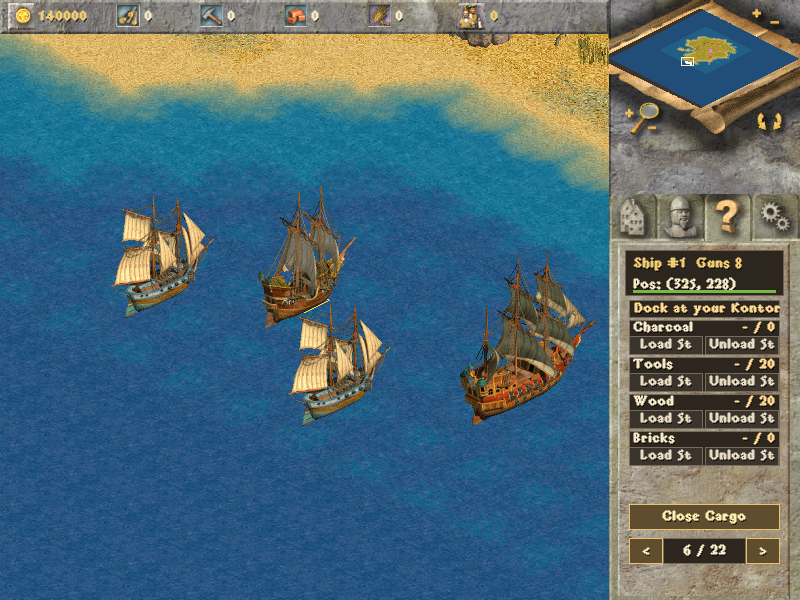
Mission 8 at the start of the scenario. The Cargo panel shows the selected ship’s starting supplies. The coast, ship sprites and interface art come from the installed game. The screenshot and save matched between x86-64 and emulated ARM64.
The next step for the fortress objective is getting those building supplies onto a scout and using them to take over the damaged main market building. The new cargo and reinforcement behavior still awaits a check on the physical Khadas VIM1S.
RC15 update — Coastal combat and cannon towers
Warships can now bombard a coastal building from open water. The engine checks cannon range and the line of fire to the building’s footprint. An intervening building or stretch of land can block the shot. In a staged Mission 7 test, a ship’s bombardment continued after reloading the save and eventually destroyed the shipyard.
An owned cannon tower can hold two crewed cannons. Select a cannon with its crew and right-click the tower to send them there. Once stationed, the cannon can return fire on ships attacking the settlement. The tower panel shows how many guns are inside and lets you release each gun with its crew onto nearby clear land.
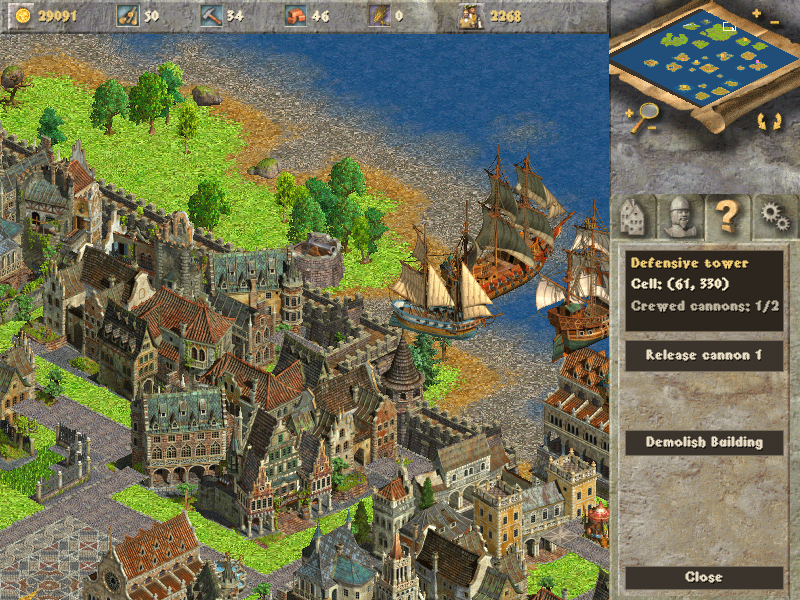
Mission 7 in RC15 with scenery, ships and interface art loaded from the installed game. The test placed a tower by the coast and used an installed cannon and operator. The panel shows one cannon stationed and offers to release it.
The test saved once while the cannon was walking to the tower and again after its first shot. The movement order, garrison and reload timer survived reopening those saves. x86-64 and emulated ARM64 produced identical saved files and rendered frames. This combat update still awaits its check on the physical Khadas VIM1S.
50 scenarios checked on ARM64
On the Khadas VIM1S, an automated walkthrough opened all 50 scenarios surfaced by the test installation, including 13 campaign missions and three tutorials. For each scenario, it ran 20 simulation ticks, wrote a save, then reopened the slot in a fresh engine process. The restored frame matched the saved frame in every run.
The selector now has room for all 50 entries. Saves carry each settlement’s state, and the development build can read RC14 saves through the updated building catalog. An RC14 slot stays in its original format until the player explicitly saves it again.
Finding the original campaign files
The scenario reader now finds the installed quest logs, cutscenes and links to the next mission. On the test installation, it resolved all 13 campaign quest-log references, 20 cutscene references and 11 campaign successor references. The engine is designed to read those files from the player’s own installation. The public download contains the engine.
Reading objectives during play
The RC15 candidate now opens the installed quest log under Pause → Objectives. On the VIM1S, we opened the first campaign mission, read its objective screen, saved and reloaded the slot in a new process. The two rendered objective screens matched pixel for pixel. The save records the document path so the engine can read the original text again from the installation.
Testing building placement
These captures from the second campaign mission show where a pioneer house can be built. The placement check uses the shoreline terrain, including the raised shallows beside the warehouse.
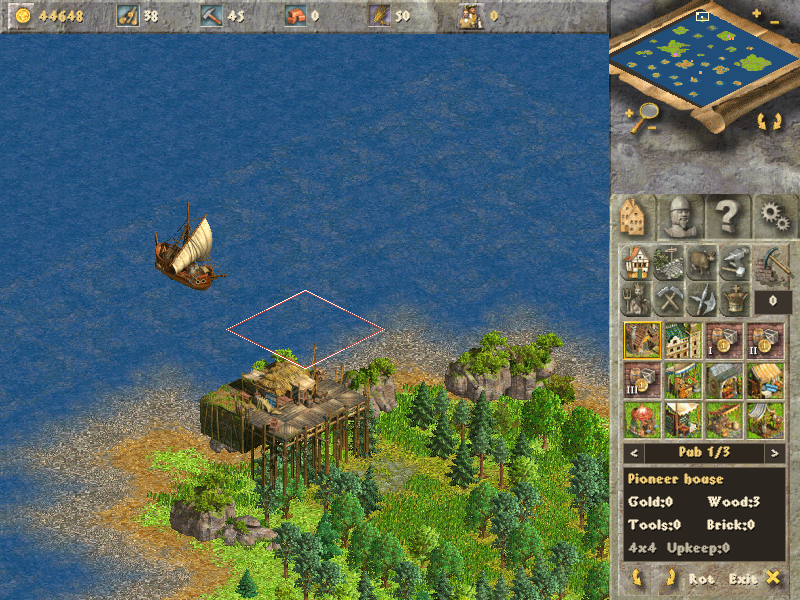
The red footprint marks the blocked shallows. Clicking there places no house.
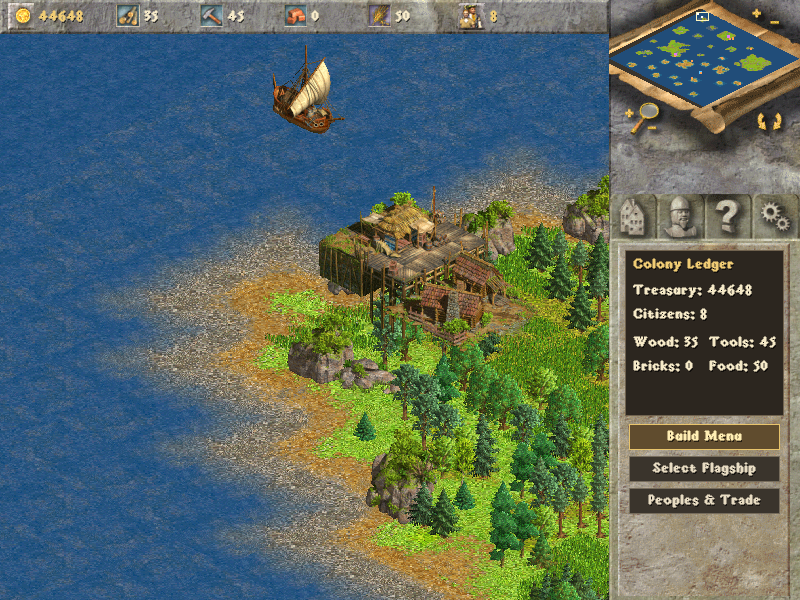
The house stands on dry ground next to the warehouse on stilts. Both buildings were still in place after reopening the save.
Placing an ore mine
These three captures from the Khadas VIM1S show the same mountain site in the first campaign mission.
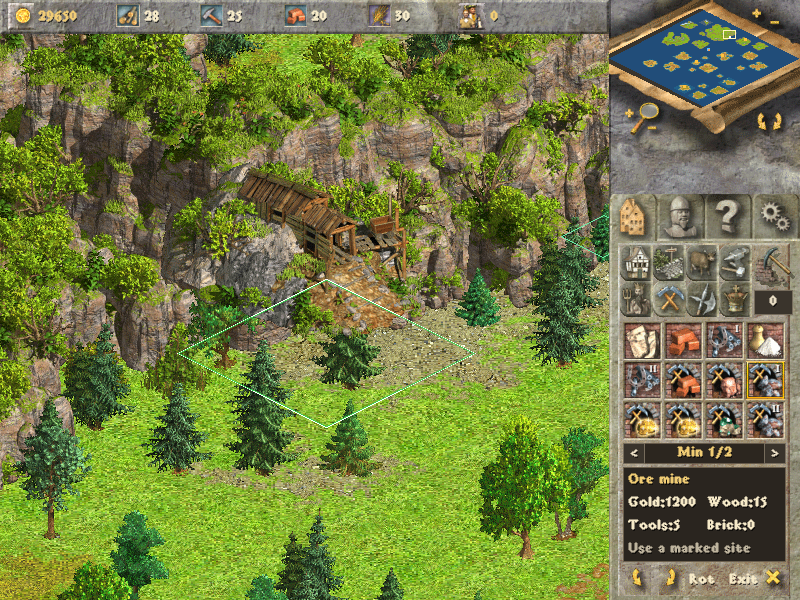
The green footprint marks the valid site. The mining menu shows the selected ore mine and its construction cost.
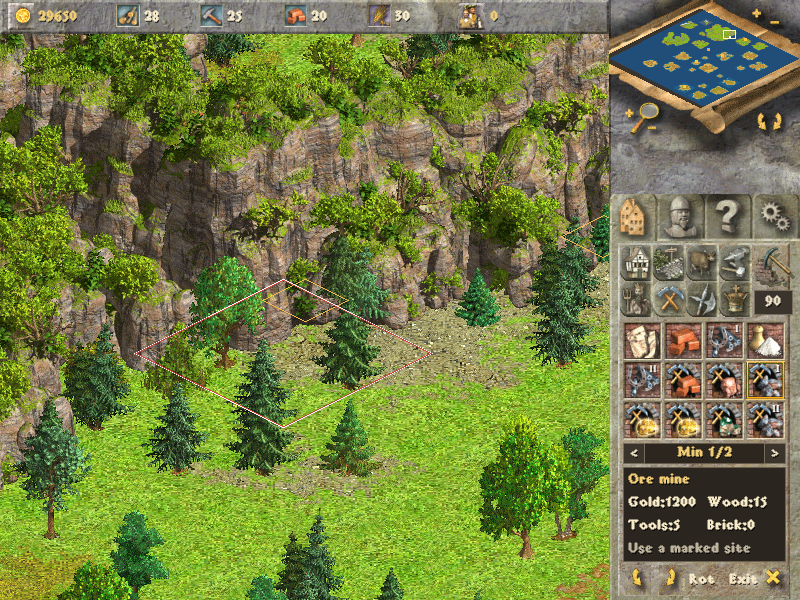
Rotating the mine by 90 degrees turns the footprint red. The build click is rejected.
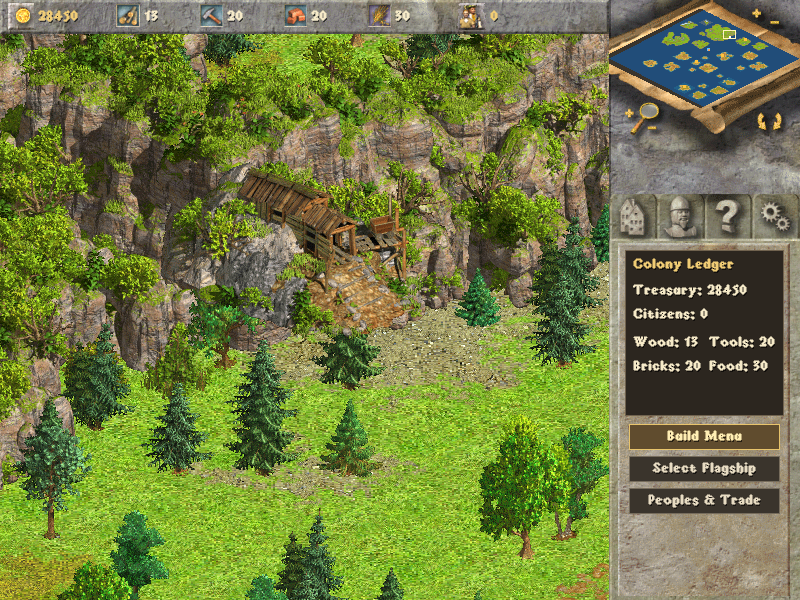
The constructed mine sits against the cliff. The settlement ledger shows the remaining materials after construction.
Loading cargo
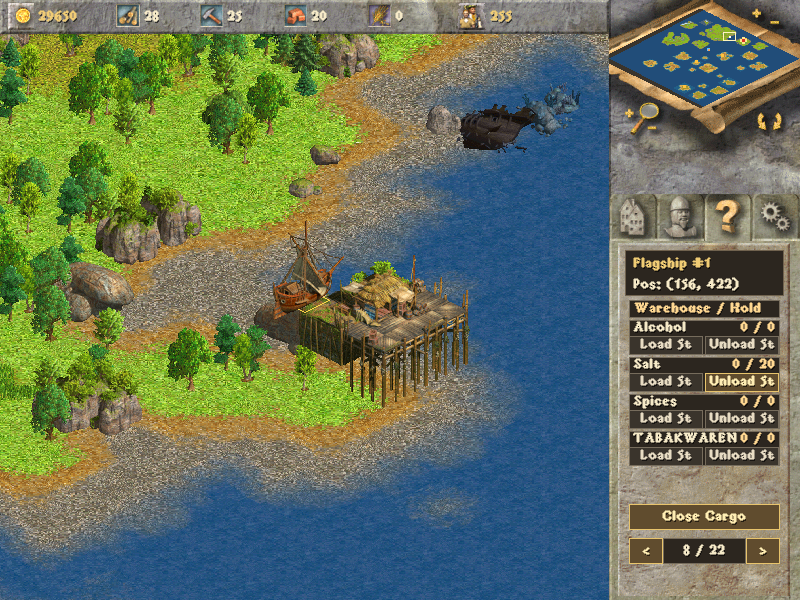
First campaign mission on the Khadas VIM1S. The Cargo panel shows 20 tons of salt in the ship’s hold after loading it from warehouse stock prepared for the test.
Opening mission four
A controlled mission-three run completed the northern cargo objective after a save and reload. Loading that victory in the x86-64 build opened mission four.
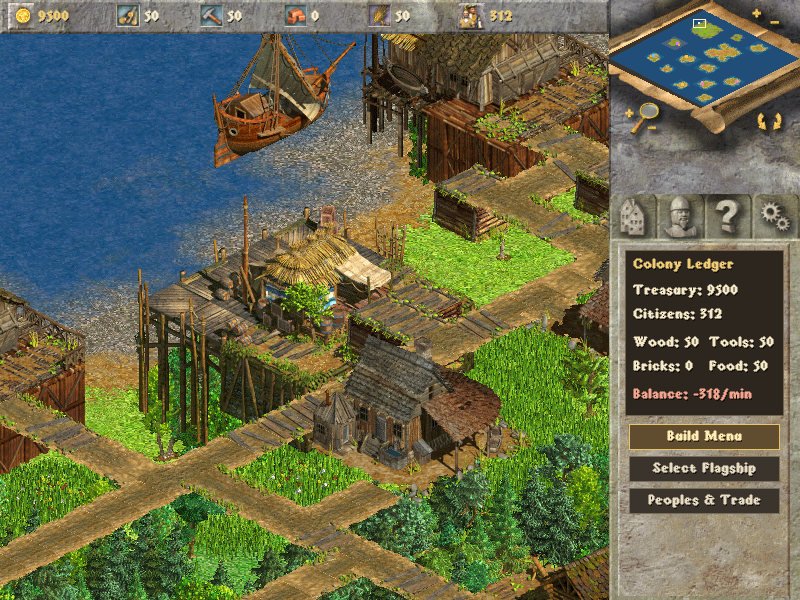
Mission four as it opens in the x86-64 development build. The harbor, coast, roads and vegetation are drawn from the installed game.
What still needs to work
In staged tests, the campaign now advances from Mission 4 through Mission 7. Mission 4 kept its gold and spice tribute progress across a reload, and the Mission 6 run landed a crewed mortar from its starting ship and completed the objective. Full campaign playthroughs, the remaining cutscene cases and fleet AI are still being tested.